
Features guide
what each screen does.
Only features that exist in the code are listed. Pro marks what the paywall unlocks.
01Check
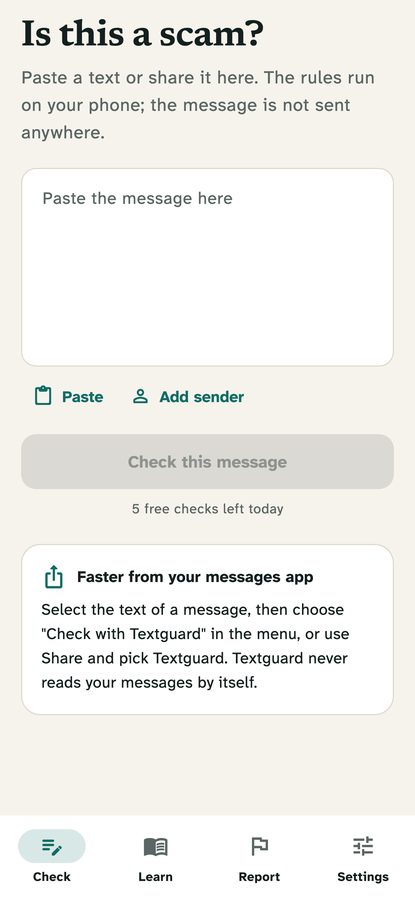
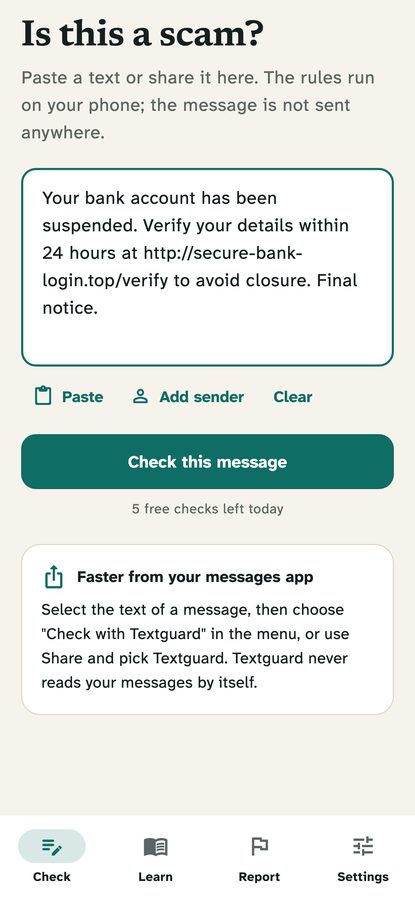
The first tab. The user pastes a text (or arrives with one shared or selected on Android), optionally adds the sender, and taps Check this message. Messages are cut at 5000 characters. Free users get 5 checks a day (a setting). On iPhone a card explains how to switch on the message filter; on Android a card explains how to share or select text.
02The proof-sheet result
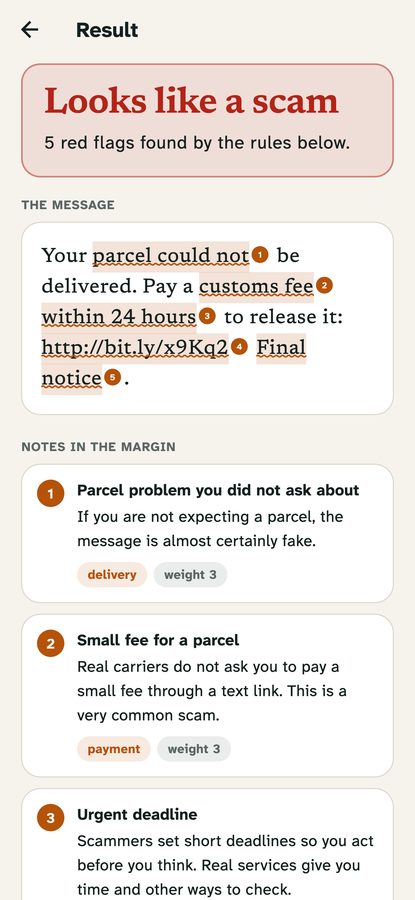
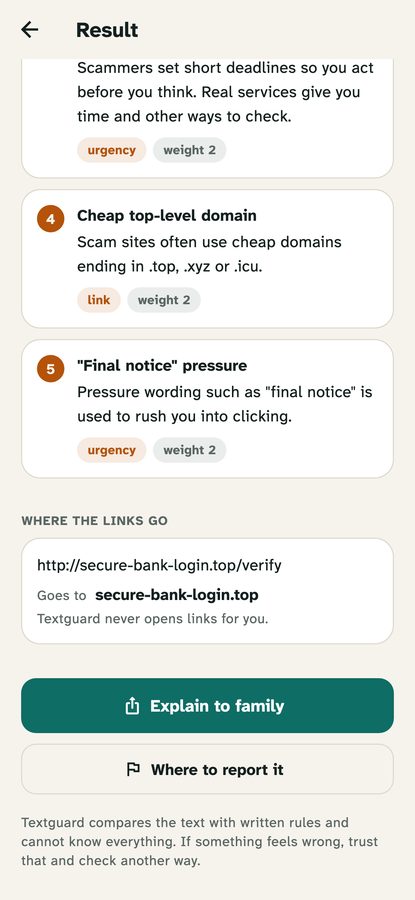
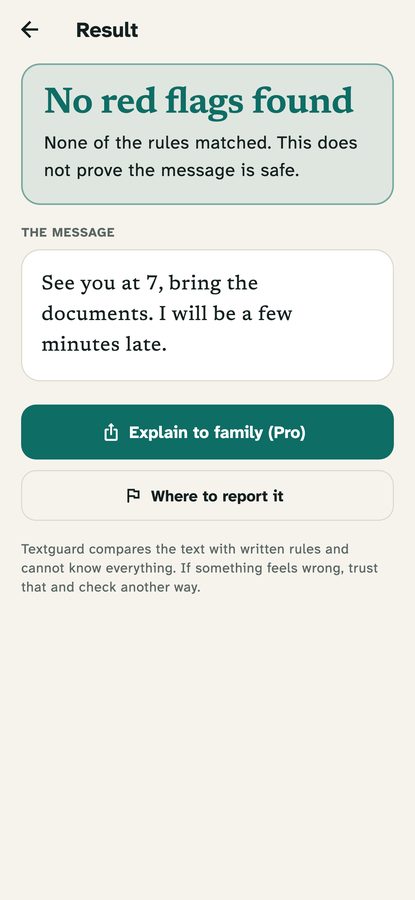
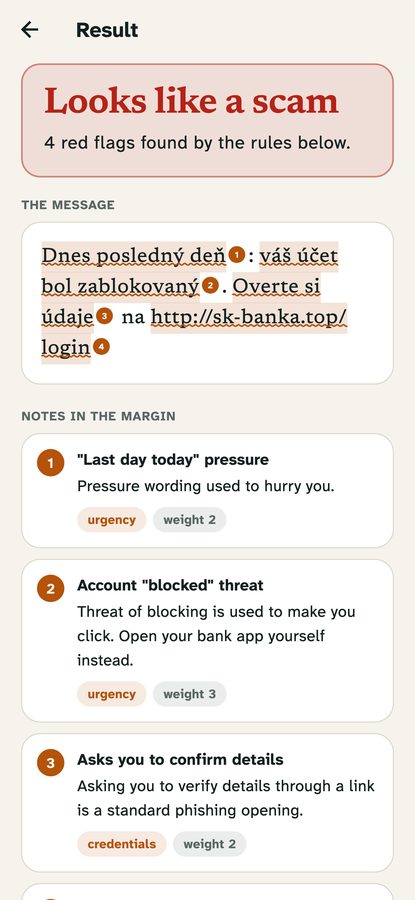
The verdict banner comes first, then the message with the matched words underlined and numbered, then one note per matching rule: its title, the plain explanation, its category and its weight. Links found in the text are read out below (registered domain, look-alike letters, a name in front of an @) and are never opened. Buttons: Explain to family (Pro; a plain note the user can share) and Where to report it. The rules are on Rule packs.
03Learn and Report
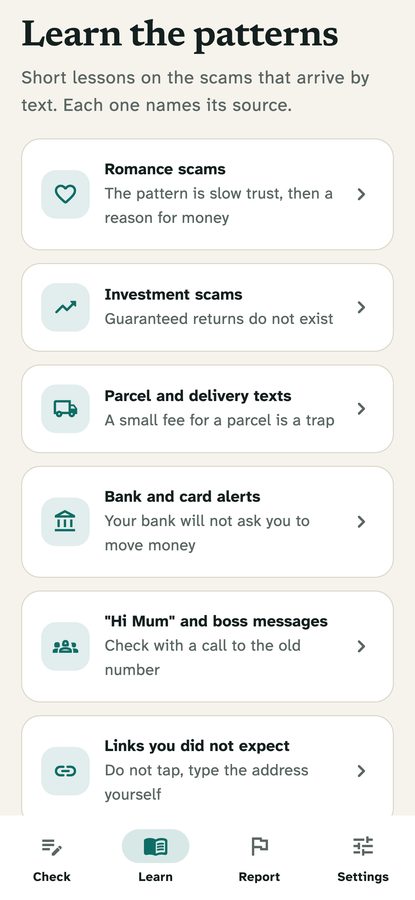
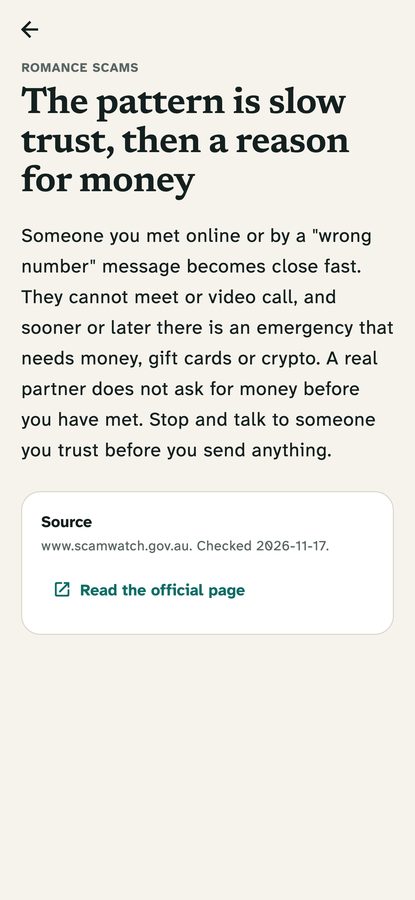
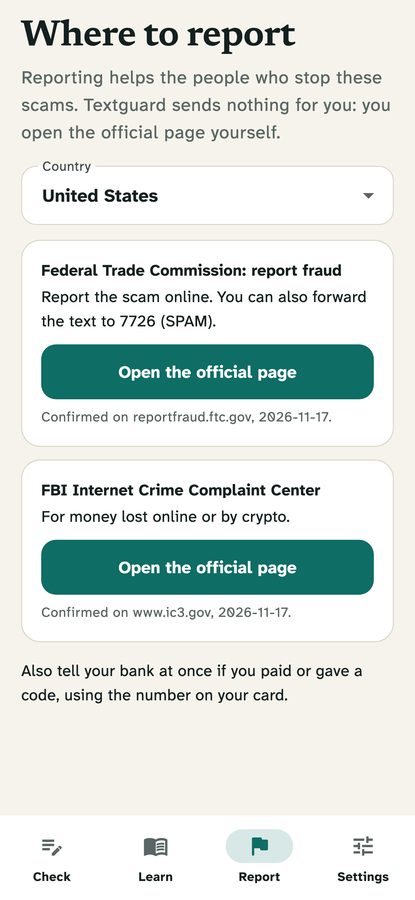
Learn holds short lessons by scam type (romance, investment, delivery, bank, family, links). Each lesson shows its official source and review date. Report lists where to report a scam per country, each office with an official source and review date. Both lists come from the bundled defaults or from the console. The seed has 6 lessons and 9 offices in 8 countries; add your own country in the console.
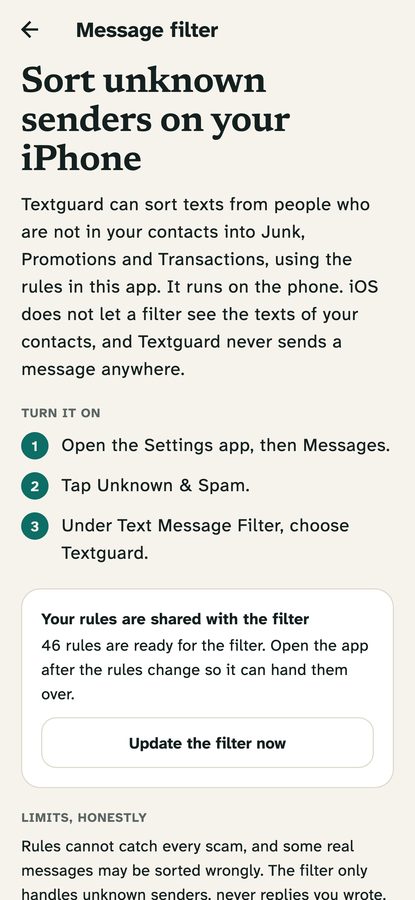
04Message filter (iPhone)
A guide that tells the user how to switch the filter on, shows how many rules are ready for it and has an Update the filter now button that hands the current rule pack to the extension. It states the limits plainly. See Android and iOS limits.
05Settings, history and Pro
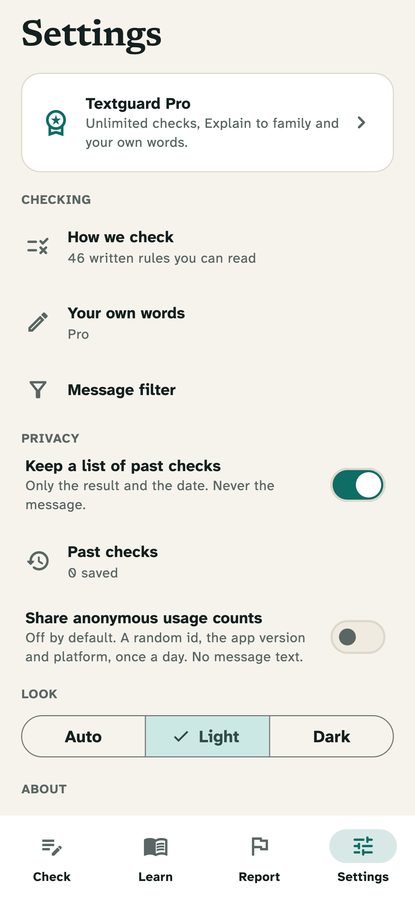
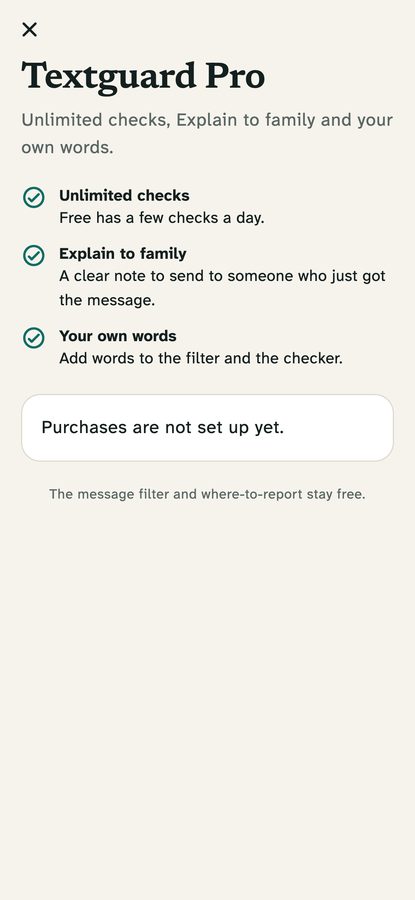
Theme (Auto, Light, Dark), Past checks (verdict, flags and date only; can be switched off or cleared), Your own words (Pro: a word or phrase of at least 3 letters gets 3 points in the checker and in the iOS filter), the anonymous usage count switch (off by default), How we check (the full readable rule list), links to support, privacy and terms, and open-source licences.
06Announcement and force update
From the console you can show a one-time announcement and block old versions with an Update required screen. See Console pages.